
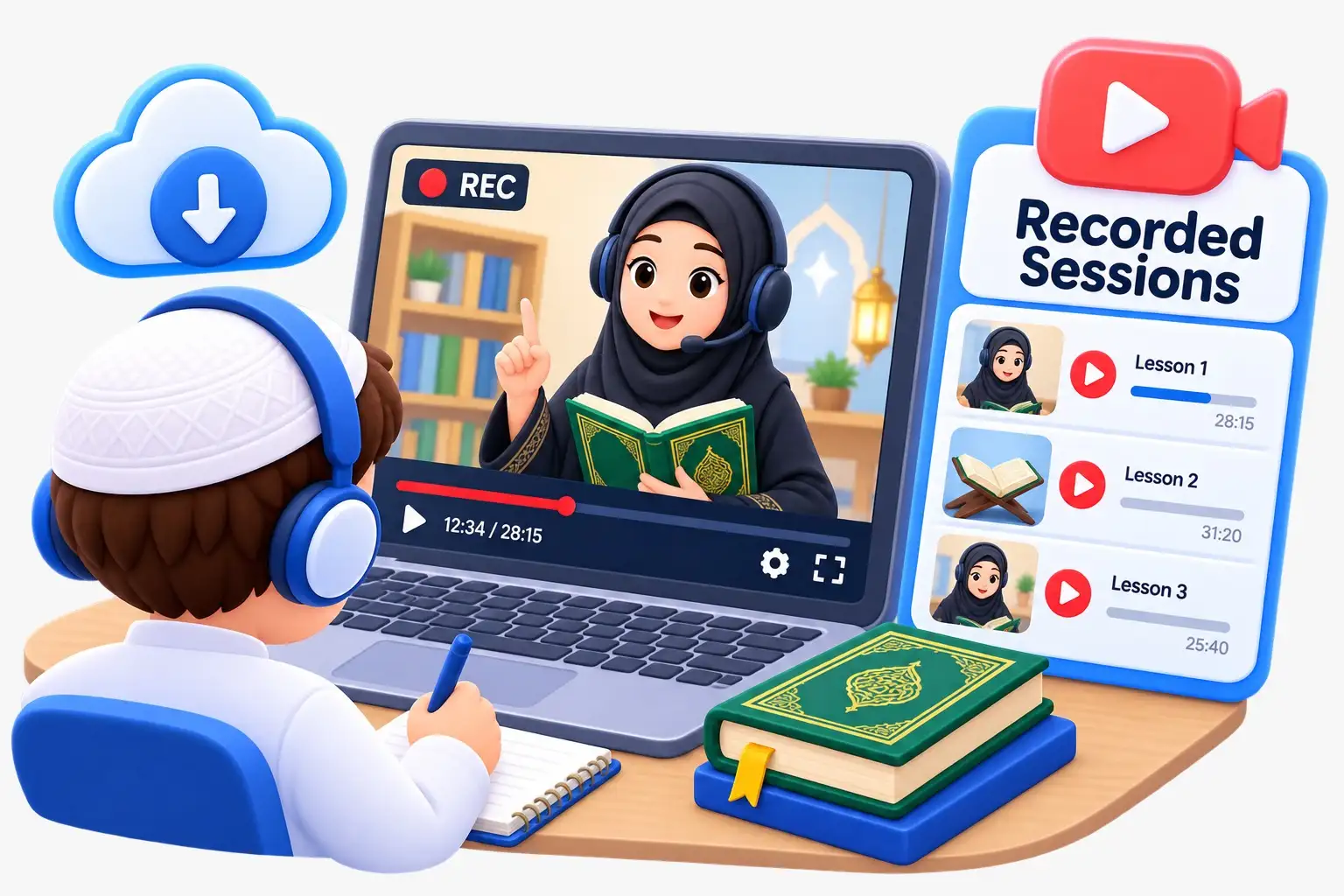
The short answer: a live one-to-one Quran class is a very different kind of screen time from games, cartoons or scrolling. Your child is talking, listening and reading aloud to a real teacher who responds to them, much like a lesson in a classroom, and it lasts only 30 minutes. With a few simple habits, such as a bigger screen, a quiet spot, no other apps open, and screens off straight after, an online class can sit comfortably inside a family's screen rules rather than breaking them.
This guide is for parents anywhere in the world who like the idea of online Quran classes but feel uneasy about adding more time in front of a device. That worry is reasonable, and it deserves a proper answer rather than a sales pitch.
Not all screen time is the same
Most family screen rules exist because of a certain kind of use: fast videos, endless feeds and games that are designed to keep a child watching. That kind of use is passive and can leave children restless or grumpy afterwards. A live lesson works the other way round.
| Live 1-to-1 Quran class | Cartoons, games and short videos | |
|---|---|---|
| Who is in control | The teacher and the lesson plan | The app or the next video |
| What the child does | Reads aloud, answers, repeats and asks questions | Mostly watches or taps |
| Length | A fixed 30 minutes | Often open-ended |
| Pace | Slow and careful, set for your child | Fast, built to hold attention |
| Interaction | A real person listening and correcting | Usually none |
In a good class, a child spends much of the time looking at the letters or the mushaf page and speaking. The screen is simply the window that lets a teacher hear them. That is why many parents who are strict about screens are still comfortable with online lessons.
Why a live teacher matters more than a Quran app

Apps and recorded videos can be useful for listening practice, but they cannot hear your child. Quran reading depends on correct sounds, and small mistakes in a letter or a vowel are easy to miss without someone listening. A live teacher catches those mistakes early, before they become habits. If your aim is fewer screens overall, one short live class often does more than a long stretch of app time. Our page on Quran apps versus a Quran teacher explains the difference in more detail.
Practical ways to keep class time healthy
Use a laptop or tablet, not a phone
A bigger screen makes the letters easier to see, and your child is less tempted to swipe away. Prop the device up on a table at eye level rather than holding it. A laptop on a desk also feels more like a lesson and less like play time.
Close everything else
Before class, close games, video apps and other tabs, and turn off notifications. Some families keep a separate profile on the family tablet that only has the class app on it. This removes the temptation to switch apps the moment the teacher looks away.
Keep the printed book in front of them
If your child has a printed Noorani Qaida or mushaf on the table, they can follow along on paper while the teacher shares the page on screen. Many children find this calmer on the eyes, and it means the reading they practise at home looks exactly like the reading in class. Teachers generally prefer Noorani Qaida for beginners, so it is a good first book to buy.
Pick a quiet corner
A table away from the TV, with good light and a pair of headphones, helps a child focus and makes the session feel like proper learning. It also means siblings are not distracted by the class, or the class by them.
Screens off straight after
One of the easiest family rules is that the device goes away as soon as class ends. That keeps the class from turning into a gateway to an hour of videos. Older children can be given the job of closing the laptop and putting it back on charge themselves.
Put class before other screen time, not after
A child who comes to class straight from a fast game often finds slow, careful reading hard for the first ten minutes. If your child does get some screen time in the day, let it come after the lesson. Our guide to the best time for a child's Quran class has more ideas on timing by age.
Keep practice between classes screen-free

Classes are only part of learning. The short practice your child does between lessons does not need a device at all. Five to ten minutes of reading from the printed book, saying a new surah aloud to a parent at breakfast, or reciting in the car on the way to school all count. This keeps the total screen time for Quran to the class itself. For simple routines, see how to revise Quran at home between classes.
How many classes is right?
Parents who want to keep screens low sometimes choose one long session a week. In practice, shorter and more frequent sessions tend to work better for children, because a week is long enough to forget a lot. Two or three 30-minute classes a week is a common starting point for young beginners, with more for children memorising. Two or three half-hour classes is still a small amount of weekly screen use, and each one is focused learning.
Children who struggle to sit in front of a screen

Some children, especially the very young, find it hard to stay still on a video call. That is normal. A good teacher will keep a young child busy with short tasks, repetition and lots of encouragement rather than long explanations. It also helps to:
- Sit beside a young child for the first few classes, at least until they settle.
- Give a small snack and a toilet break before class, not during it.
- Let them stand or kneel at the table if sitting is hard, as long as they can see the page.
- Praise effort after class, not only how many lines they read.
What parents can see and control
Part of feeling comfortable with screens is knowing what is happening on them. At Online Quran Lessons, every class is live and one-to-one, with the same teacher every week. You can sit in on any class, and lessons can be recorded on request, so you can always see what your child is doing. Classes are supervised for teaching quality, and you can choose a male or female teacher at the same fee. Classes run 24 hours a day, 7 days a week, so you can book a slot in your own time zone that fits your family's screen routine rather than fighting it.
Plans are paid monthly and you choose 2, 3, 4 or 5 classes a week. The pricing page shows the fees in your own currency.
Getting started

If screen time is your main worry, the best test is to watch a real class yourself. Set up the laptop in a quiet corner, sit next to your child, and see how much of the half hour is spent reading and speaking. Find out how our online Quran classes for kids work, then book 3 free trial classes. No card is needed, and you can sit in on every trial class.
Frequently asked questions
Do online Quran classes count as screen time?
Is a phone or a laptop better for my child's Quran class?
Can my child use a printed Qaida during an online class?
How can I keep Quran practice at home screen-free?
Can I watch my child's online Quran class?
Keep reading
- For ParentsQuran Classes for Kids in Italy: Tempo Pieno, Saturday School and the Long Summer Break
 For ParentsQuran Classes for Kids in the Netherlands: Wednesday Afternoons, Moskee Classes and Holidays
- For ParentsWho Teaches Your Child? Our Quran Teachers, Their Qualifications and the Checks Behind Them